You can, and this is where most proofing tools fall second to Ziflow.
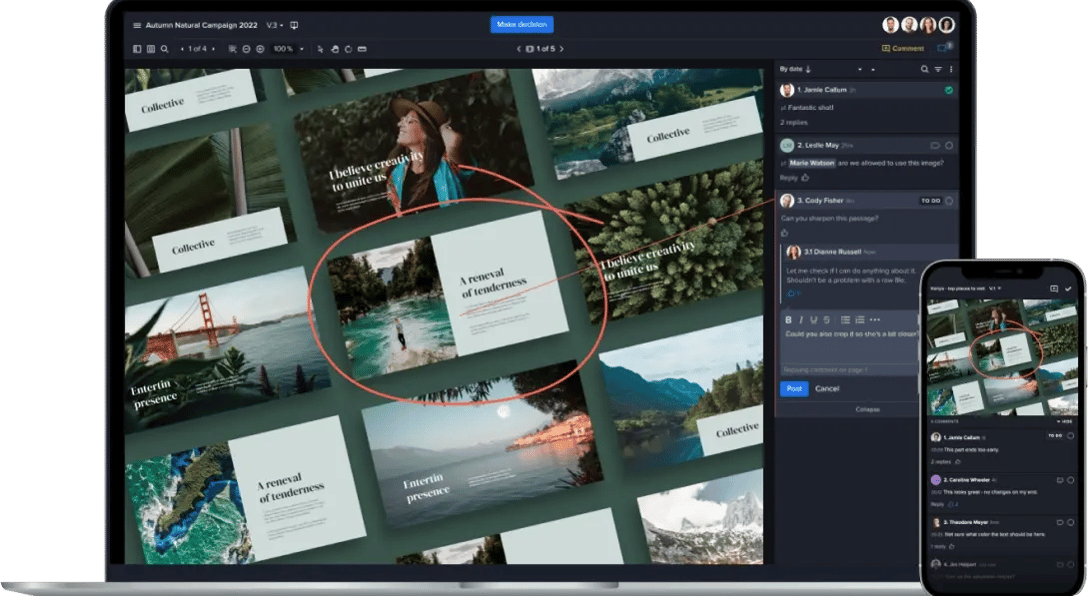
A campaign isn't usually one file, it's six banner sizes, two video cuts, a landing page, three emails, etc, etc. Review those one at a time and you're setting yourself up for mistakes and inconsistencies.
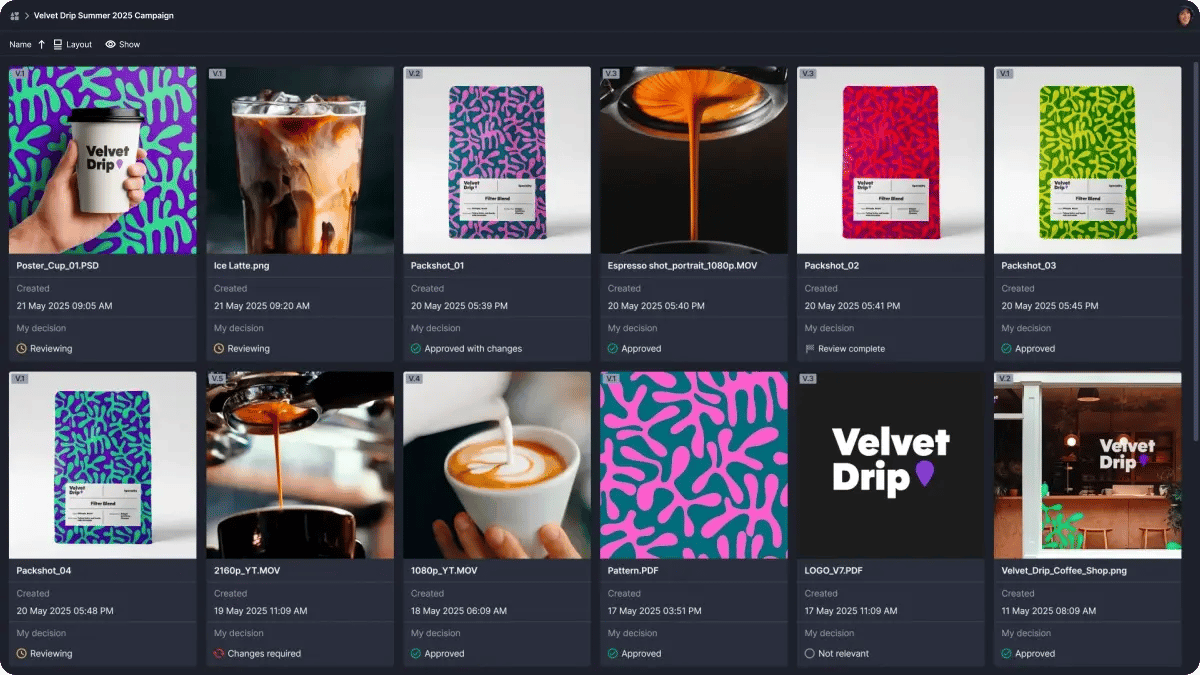
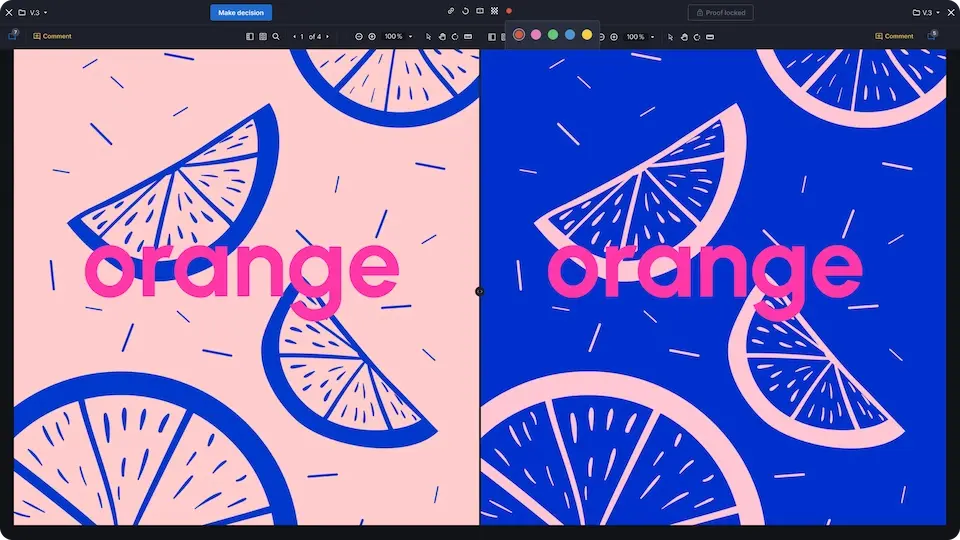
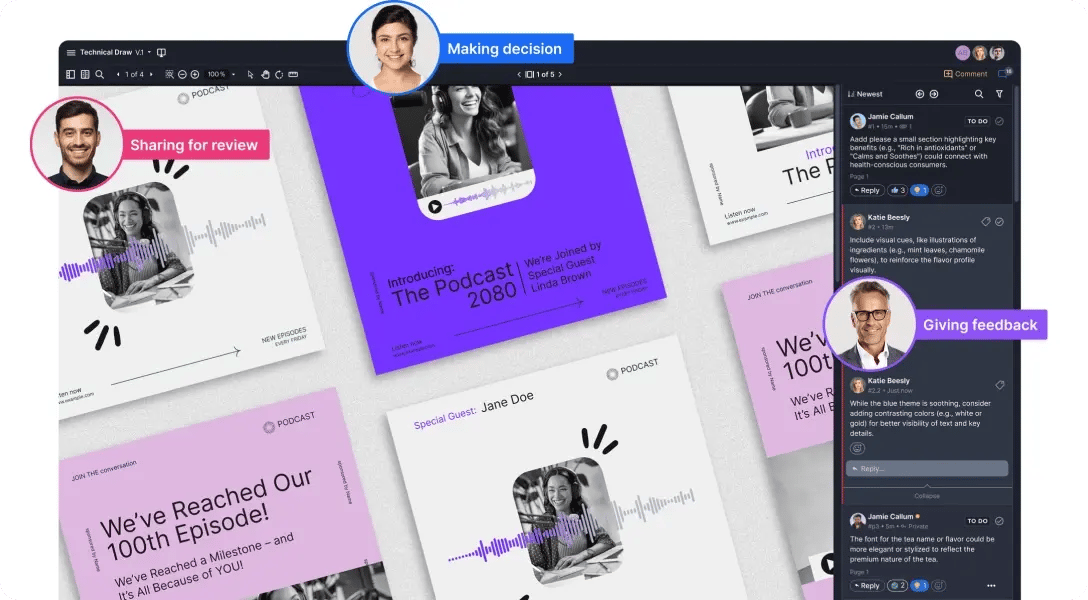
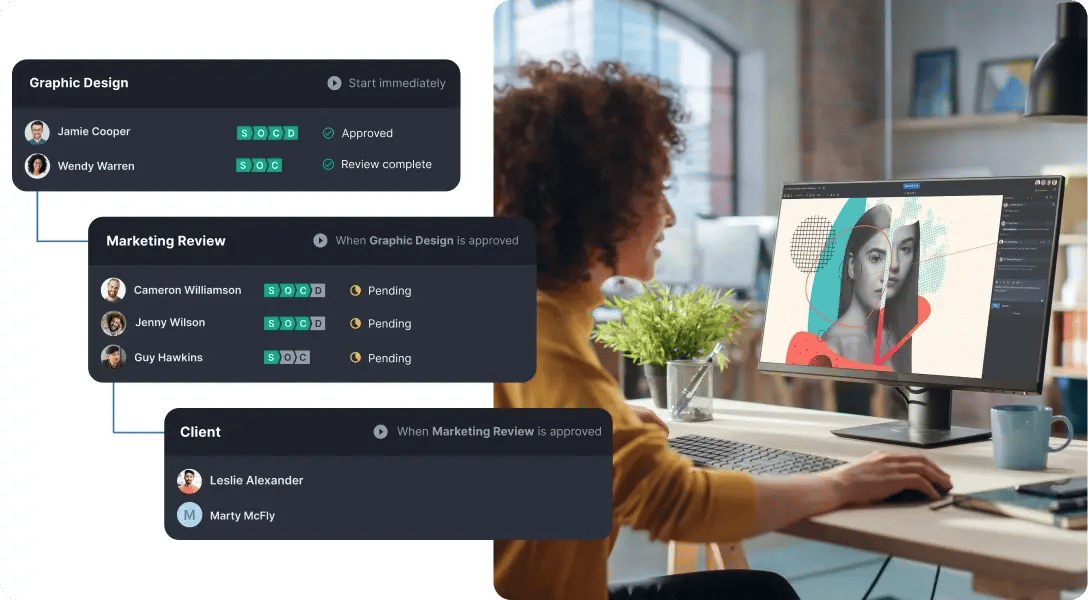
Ziflow gives you two ways to see the whole thing at once. Canvas view displays all the proofs in a folder as an interactive, re-sizable workspace where teams can view, arrange, and review multiple proofs at once. Gallery view lays out a folder of proofs as thumbnails with the metadata you care about: status, progress, deadlines, who still owes you a decision.
Double-click any thumbnail to review it, then drop right back into the grid.
Switch between them with the View button in the Proof Viewer. Ziflow remembers which one you used last. Both are available on Pro and Enterprise.
Your reviewers see the campaign the way your audience will. Not as a bunch of unrelated files that happened to arrive at the same time.