Ask most creative teams what their issue is, and chances are they won’t say “ideas.” They’ll tell you plain and simple: they have an approvals problem. Files ricochet between tools, feedback scatters across Slack threads and email chains, and somebody (it's always the same somebody) ends up manually chasing sign-offs on a Friday.
A proofing API for approvals connects the review process directly to the systems your team already uses. Instead of copying files between platforms, pinging reviewers on three different channels, and praying that everyone's looking at the right version, a proofing API lets approvals happen where the work actually lives. Automatically.
Here's what that looks like in practice, why it matters more as your creative output scales, and how to actually set one up without losing your mind.
What we'll cover
Table of contents
Why approvals break down in growing creative workflows
Feedback gets scattered across tools and channels
The feedback dance usually goes something like this: A designer drops a comment in Figma, then the brand manager replies via email, followed by the VP of marketing sending a Slack message that starts with "quick thought" and ends up being a full creative redirect. Meanwhile, the project manager is updating the task in Asana with notes from a meeting nobody documented.
None of these people are wrong for using the tools they prefer. But when comments live in five different places, the person responsible for implementing the feedback has to play detective before they can play designer. That's a colossal waste of time, and it gets exponentially worse as you add more campaigns, more stakeholders, and more channels.
Manual coordination creates approval bottlenecks
In most creative workflows, there's a human bottleneck hiding somewhere in the approval chain. Someone has to upload the proof, someone has to notify the reviewers, and still someone has to check whether all the approvals came in. And when that someone is on PTO or just buried in their own workload, the whole pipeline stalls.
If your approval process depends on a person remembering to do something at every stage, you don't really have a process. You have a hope.
Version confusion stalls everything
You’ve probably seen when stakeholder reviews a file, sends detailed feedback, and then discovers they were looking at last Tuesday's version. Or the classic: "final_v2_REAL_FINAL_usethisone.pdf" sitting in someone's Downloads folder while the actual final lives in a shared drive that half the team can't access. When nobody's confident they're looking at the right asset, decisions stall. And stalled decisions mean missed deadlines.
What a proofing API actually does
A proofing API lets you create proofs, collect feedback, and capture approvals inside other tools, all programmatically. Developers can trigger a proof automatically when a file is uploaded, updated, or when a task moves into a review stage. The API handles the connection between your creative workflows and the proofing platform so humans don't have to.
Another way to think of it is instead of your team manually uploading a file to a proofing tool, notifying reviewers, and then circling back to check on their decisions, the API does that entire sequence the moment a trigger event happens. Comments, approval status, and version history all stay connected to the project record. No copy-pasting or spreadsheet tracking.
What a proofing API handles automatically
The heavy lifting is in the repetitive stuff. A proofing API can automatically create proofs when new files appear or existing ones change. It keeps feedback pinned directly to the asset (not floating in an email thread somewhere). It records who approved what, when, and on which version. And it can notify the right people at the right time without anyone pressing a button.
What a proofing API can't fix on its own
We need to be clear that an API isn't magic. If your team doesn't know who's supposed to approve what, the API can't decide for you. If your project workflows are a mess before you integrate a proofing tool, they'll still be a mess after. And if your stakeholders simply don't respond to review requests? Well, no amount of automation can make someone open their inbox. A proofing API makes a solid process faster. It doesn't create the process from scratch.
Where teams use proofing APIs in real workflows
Automating campaign approvals in marketing production
This is probably the most common use case. When a new campaign asset gets created or updated, the API automatically generates a proof and routes it to the right reviewers. No one has to remember to upload the file, tag the stakeholders, or follow up. The proof is created, reviewers get notified, and feedback comes back tied directly to the creative. Campaigns move to distribution only after every required approval is captured.
Connecting proofing to project management systems
When you connect a proofing API to platforms like Asana, monday.com, or Jira, proofs can be created automatically when tasks hit a review stage. Approval status shows up directly in the project timeline. PMs stop spending their afternoons asking "has this been approved yet?" because the answer is right there in the task card. It closes the loop between creative production and project tracking without any manual handoffs.
Integrating with digital asset management platforms
For teams using a DAM, the API creates a proof the moment an asset is uploaded. Review history stays attached to the file, so months later when someone asks "who approved this packaging design?", the answer is one click away. Approved assets are clearly documented, and there's no ambiguity about which version got the green light.
What changes when approvals become automated
Once a proofing API is running, you'll notice a few things shift pretty quickly. Reviews start the moment assets are ready because nobody's waiting for a manual upload or a Slack ping. Stakeholders know exactly where to go to review because the proof link shows up inside whatever tool they're already working in. And approval history becomes genuinely trackable, which matters for compliance, brand review, and those inevitable "who signed off on this?" conversations.
The net result? Creative teams spend less time coordinating and more time doing the work they were actually hired to do.
How to implement a proofing API
Implementation doesn't have to be complicated, but it does require some upfront decisions. Before you start wiring things together, get clear on a few basics.
Define your triggers
When should a proof be created? Common triggers include asset upload, version update, or a task moving into a review stage in your PM tool.
Connect to your existing tools
Map out which systems need to talk to the proofing platform. That usually means your project management tool, your DAM, and any marketing workflow platforms your team relies on.
Set your approval rules
Decide which reviewers need to approve, whether reviews happen sequentially or in parallel, and what happens when a new version is uploaded. Does the review restart? Does only the updated section need re-review? These rules become your API configuration.
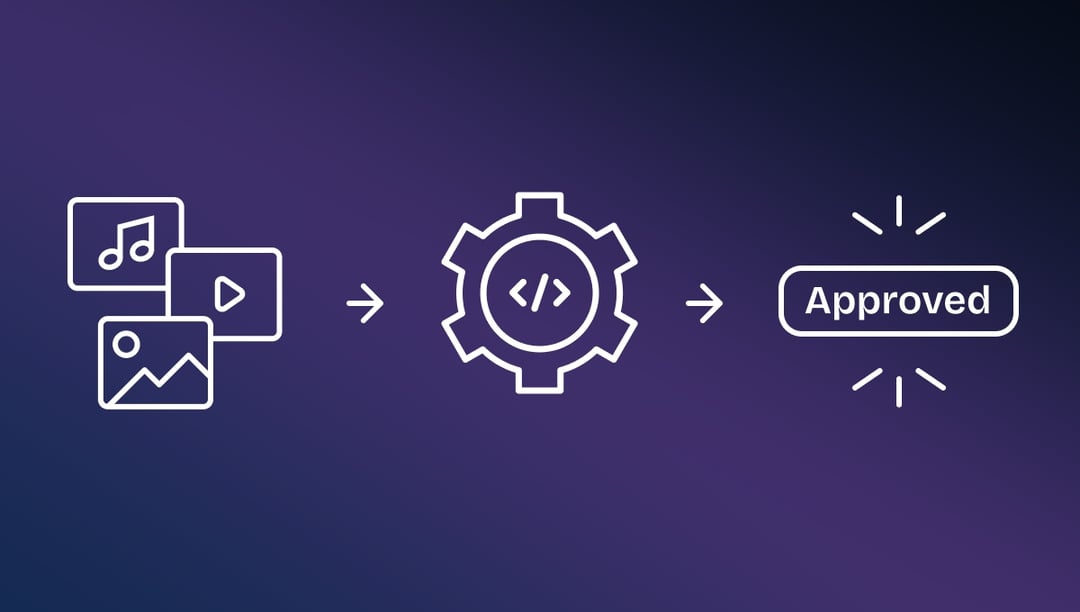
The typical flow looks like this: an asset gets uploaded or updated, the API automatically creates a proof, reviewers are assigned based on the project type, feedback is collected in one interface, and final approval is captured and pushed back to the project record. Five steps that used to involve a dozen emails and a follow-up meeting.
Approval workflow checklist
Before sending any creative out for review, make sure you can answer these questions: who needs to approve this asset, whether approvals happen sequentially or in parallel, what counts as final approval, and how new versions restart (or don't restart) the review process. If you can't answer all four, you're not ready to hit send.
Why teams choose Ziflow's proofing API
Ziflow's API was built specifically for creative review and approval workflows. It's a RESTful interface that gives your team programmatic access to proof creation, reviewer management, feedback collection, and approval tracking, all through predictable URLs and lightweight JSON responses.
Here's what makes it particularly useful for teams building automated approval workflows:
Single-call proof creation
Creating a proof requires one API call. You provide a file URL, Ziflow downloads and processes it (whether it's a static image, video, or rich media file), and fires a webhook when the proof is ready for review. No polling, no waiting. Your system subscribes to the "processed" event and gets notified the moment reviewers can start working.
Webhook-driven event architecture
Ziflow supports configurable webhooks for proof events, so your tools get notified in real time when proofs are created, reviewed, or approved. You can validate webhook signatures with SHA-256 to confirm events are coming from Ziflow, not a third party. The system uses JSONata expressions for dynamic routing, which means you can automatically create folders, update proof settings, or add reviewers based on event data.
Embeddable proof viewer
If you're building proofing into your own product, Ziflow's proof viewer can be embedded directly via iframe using one-time reviewer URLs. The viewer adapts to the content type and frame size automatically. Your users never leave your application, and you never have to build a review interface from scratch.
Granular reviewer permissions
The API lets you add reviewers to specific proof stages with precise permission controls: view, comment, decision, manage, and share can each be toggled independently. You can assign reviewers at proof creation or add them dynamically as the review progresses.
Ziflow also integrates natively with project management platforms like Asana, monday.com, and Jira, plus creative tools through Adobe Creative Cloud plugins, cloud storage via Google Drive and Dropbox, and communication tools like Slack and Microsoft Teams. The API connects to all of these, so approval data flows back into whatever your team is already using.
On the security side, the platform is SOC 2, ISO 27001, and GDPR compliant with AES-256 encryption at rest and TLS 1.2 in transit. For teams in regulated industries like healthcare, financial services, or CPG, the built-in audit trails and activity logs mean approval history is always exportable and defensible.
A proofing API keeps creative workflows moving
Creative teams are producing more content than ever. The number of campaigns, channels, and stakeholders involved in every project keeps climbing. Manual review coordination doesn't scale with that growth. At some point, the person chasing approvals becomes the bottleneck, and the whole operation slows down.
A proofing API connects approvals to the systems where work already happens. Reviews start automatically, feedback stays tied to the asset, and approval decisions are documented without anyone updating a spreadsheet.

With a track record that spans media giants like WarnerMedia, Viacom, and Google, Aaron's expertise shines through in multi-million dollar projects across various mediums, from traditional television to the dynamic realm of YouTube.