TL;DR: AI creative tools generate content faster than teams can review it. Your creative director evaluating fifty logo concepts instead of three creates bottlenecks in feedback, version control, and compliance. Without proper review infrastructure, teams either throttle AI output (wasting the advantage) or let quality slip (risking brand damage). Tools like Ziflow's ReviewAI automate initial screening against brand standards, then route content through structured approval workflows, helping teams maintain quality control at AI-generated volumes.
AI creative tools have changed how teams work. Your designers generate fifty logo concepts in an afternoon. Marketing produces hundreds of social variations overnight. Video editors create clips in minutes instead of hours.
But speed creates a new problem: review capacity. How do you properly evaluate fifty AI-generated concepts when your creative director used to review three? How does compliance check hundreds of AI-produced ads when they used to see twenty?
In this guide, we'll compare eleven AI creative tools across image generation, video editing, design, and copywriting. Then we'll explain how to implement quality control processes that prevent AI-generated chaos from overwhelming your workflows or letting off-brand content reach audiences.
What we'll cover
Table of contents
Image generation tools
1. Midjourney
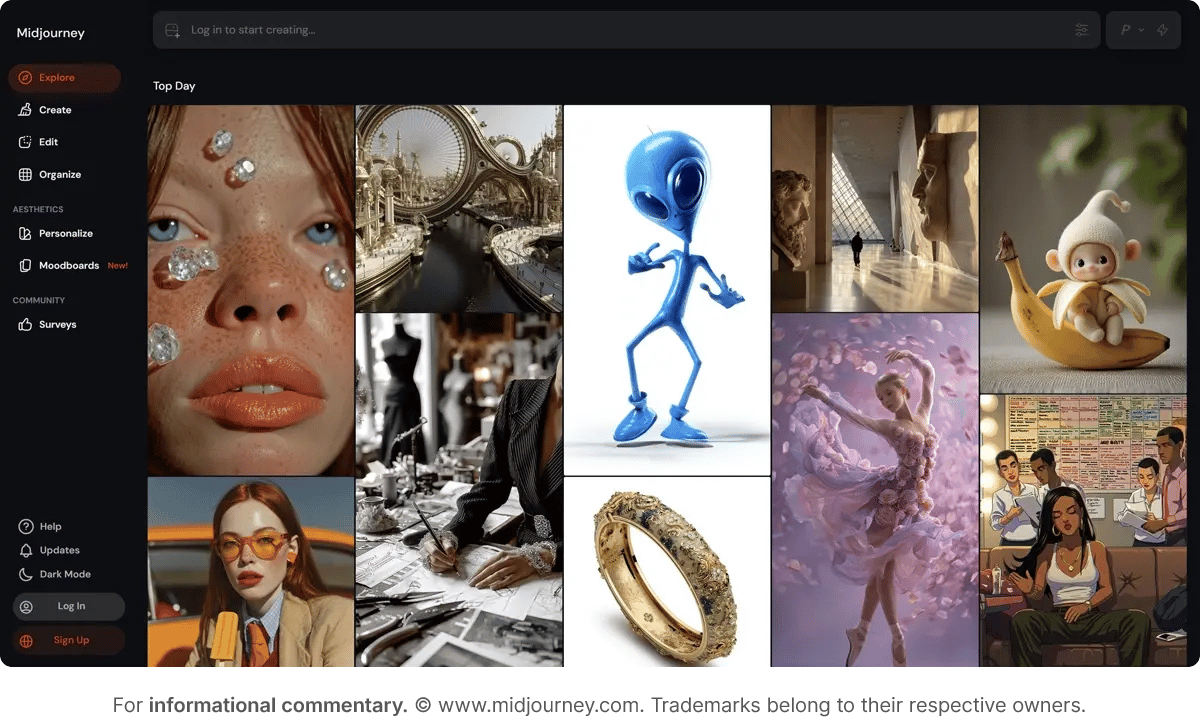
Midjourney generates imagery with strong compositional creativity and stylistic range, though accessing it through Discord means no integration with enterprise asset management or approval systems.
Strengths:
- Superior aesthetic quality for conceptual work
- Strong at interpreting abstract prompts
- Active community for learning and inspiration
- Continuous model improvements
Limitations:
- Discord interface doesn't fit enterprise workflows
- Less control over precise details
- No API for automation, meaning every generation requires manual
- Discord interaction, no batch processing, no workflow integration, no programmatic access for teams generating hundreds of variations
Pricing: Basic plan starts at $10/month for limited generations. The Standard plan at $30/month offers unlimited relaxed generations.
Best for: Creative teams exploring concepts and visual directions where artistic interpretation matters more than pixel-perfect execution.
2. DALL-E 3
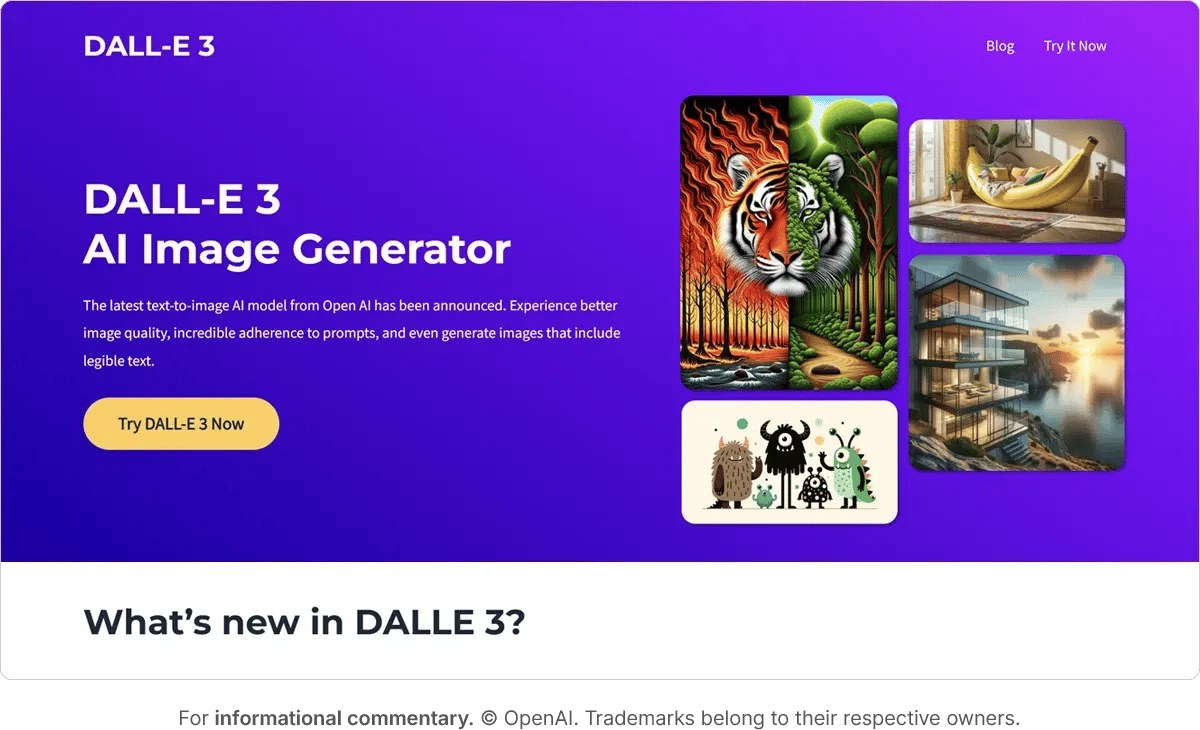
DALL-E 3, integrated into ChatGPT and Microsoft Designer, produces cleaner and more literal interpretations than Midjourney. It handles text rendering better than competitors, which matters for ads and social content.
Strengths:
- Handles text rendering more reliably than Midjourney
- Readable product labels, legible ad copy, correct spelling in marketing graphics without extensive prompt engineering
- More literal prompt interpretation
- ChatGPT integration for iterative refinement
- Microsoft ecosystem integration
Limitations:
- Less artistic than Midjourney
- Slower iteration speed
- Limited control over specific elements
- Content policy restrictions can be frustrating
Pricing: Included with ChatGPT Plus ($20/month) or Microsoft 365 Premium ($19.99/month). API access available separately through OpenAI.
Best for: Marketing teams that need specific visual executions with readable text for ads, social graphics, and straightforward product imagery, especially those already using OpenAI or Microsoft tools.
3. Adobe Firefly
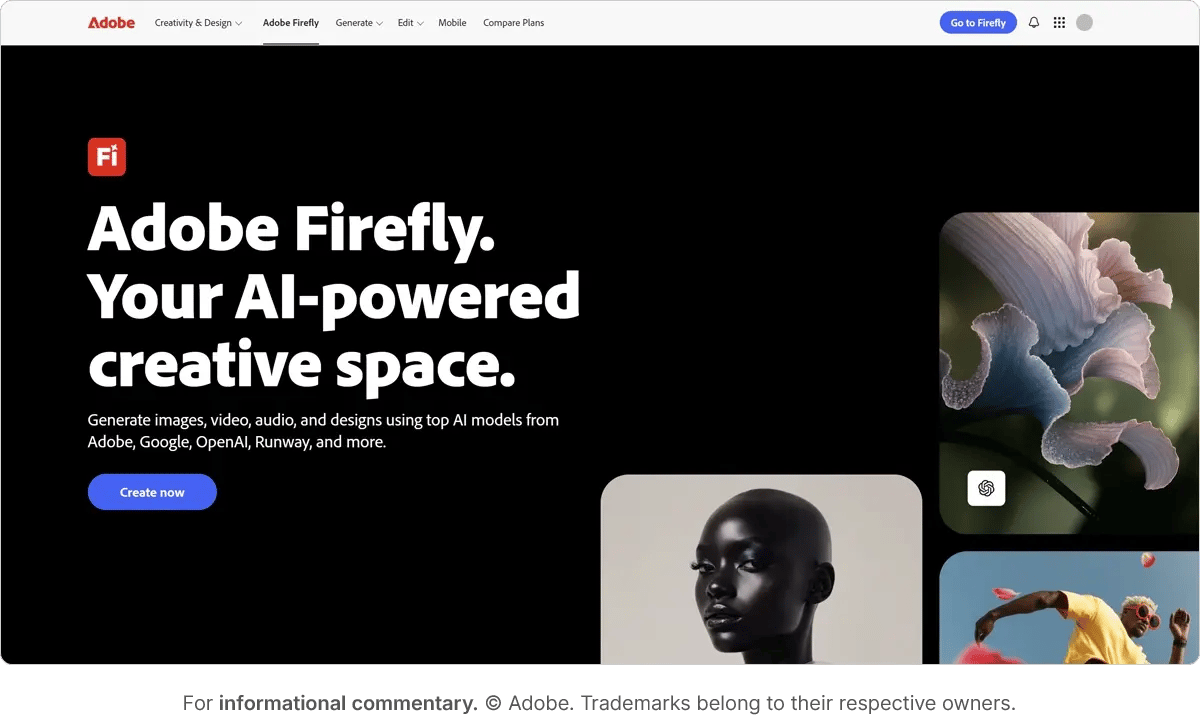
Adobe Firefly's advantage is integration directly into Photoshop, Illustrator, and other Adobe Creative Cloud applications. Its training on Adobe Stock means commercially safe output without copyright concerns.
Strengths:
- Native Creative Cloud integration
- Commercially safe training data
- Seamless workflow within Adobe tools
- Growing feature set with regular updates
Limitations:
- Output quality lags Midjourney and DALL-E 3
- Fewer stylistic options
- Limited standalone capabilities
Pricing: Included with Creative Cloud Pro subscriptions starting at $69.99/month. Free tier available with limitations. The Standard plan is $9.99/month.
Best for: Design teams already using Adobe Creative Cloud who want to generate variations without leaving their primary tools.
4. Stable Diffusion
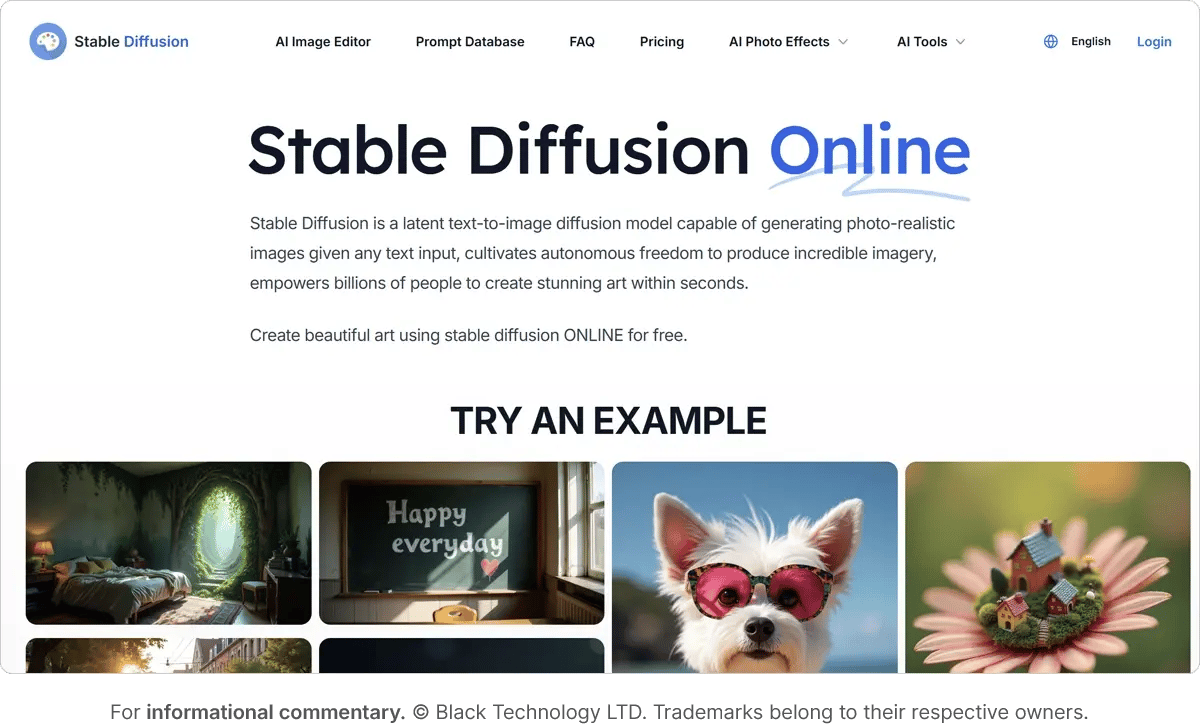
Stable Diffusion offers complete control for technical teams willing to run it locally or through cloud services. The open-source model means no content restrictions or usage limits.
Strengths:
- Full technical control over generation
- No content restrictions
- Unlimited local generation
- Extensive community models and extensions
Limitations:
- Steep learning curve
- Requires technical setup
- No official commercial support
Pricing: Free tier available, but limited to 10 images per day. Pro plan is $10/month and Max plan is $20/month.
Best for: Technical teams with specific brand requirements or content needs that don't fit commercial service restrictions.
Video editing tools
5. Runway
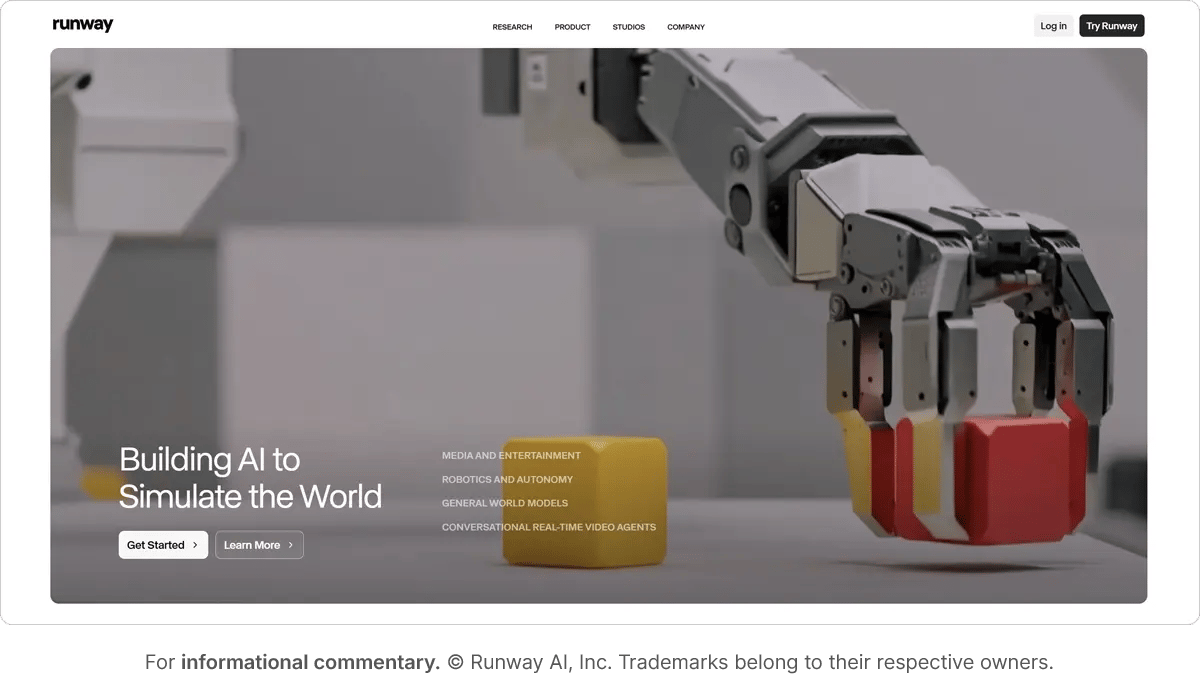
Runway provides AI video editing capabilities that used to require expensive software and specialized skills. Remove backgrounds, extend clips, generate transitions, and create effects in minutes instead of hours.
Strengths:
- Powerful video-to-video transformations
- Green screen removal without green screens
- Motion tracking and masking automation
- Regular feature updates
Limitations:
- Quality varies by use case
- Processing can be slow for complex effects
- Limited batch processing
- Relatively expensive at scale
Pricing: Free tier with limited credits. Standard plan at $12/month, Pro at $28/month, Unlimited at $76/month. Enterprise pricing available.
Best for: Marketing teams producing social content and ads where speed matters more than perfect technical quality.
6. Descript
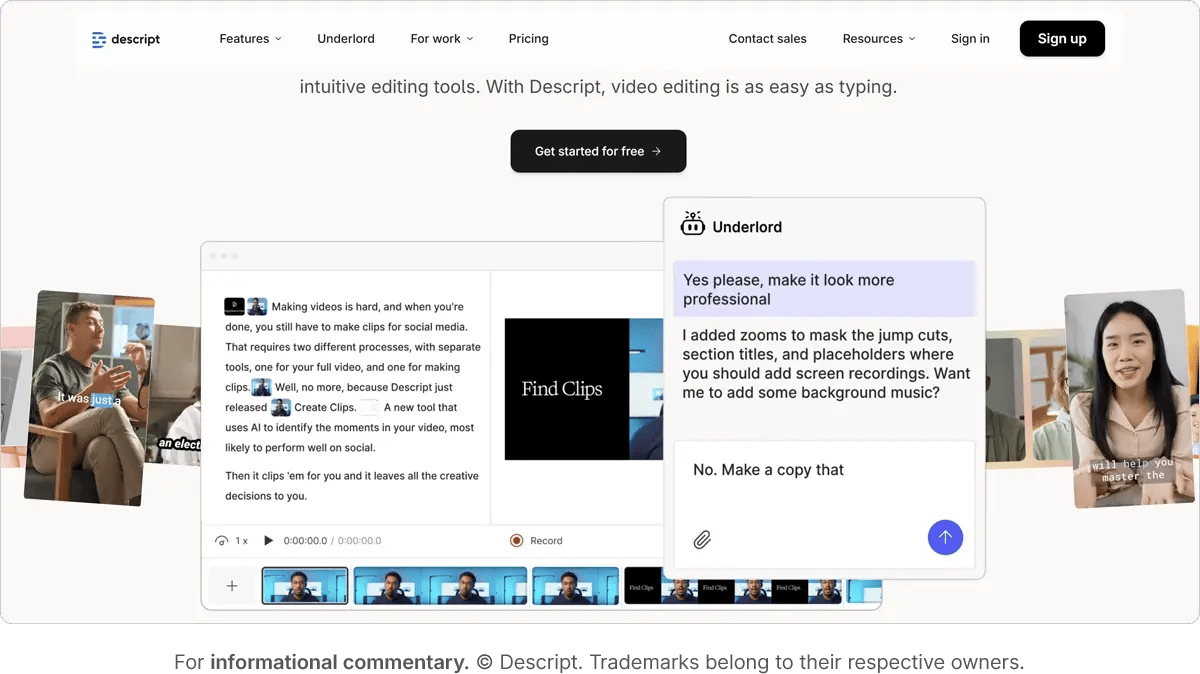
Descript treats video editing like document editing. Edit the transcript and the video updates automatically. Remove filler words, rearrange sections, and generate AI voiceovers without touching a timeline.
Strengths:
- Transcript-based editing simplifies workflow
- Excellent for podcast and interview content
- AI voice cloning for script corrections
- Audiogram generation for social
Limitations:
- Less suited for highly visual content
- Limited advanced editing features
- AI voices still detectably artificial
- Transcription accuracy varies with audio quality
Pricing: Free tier available, but limited to 60 minutes of content/month. The Creator plan starts at $24/month and the Business plan is $50/month. Enterprise pricing available.
Best for: Teams producing talking-head videos, interviews, podcasts, or training content where spoken word drives the edit.
7. Synthesia
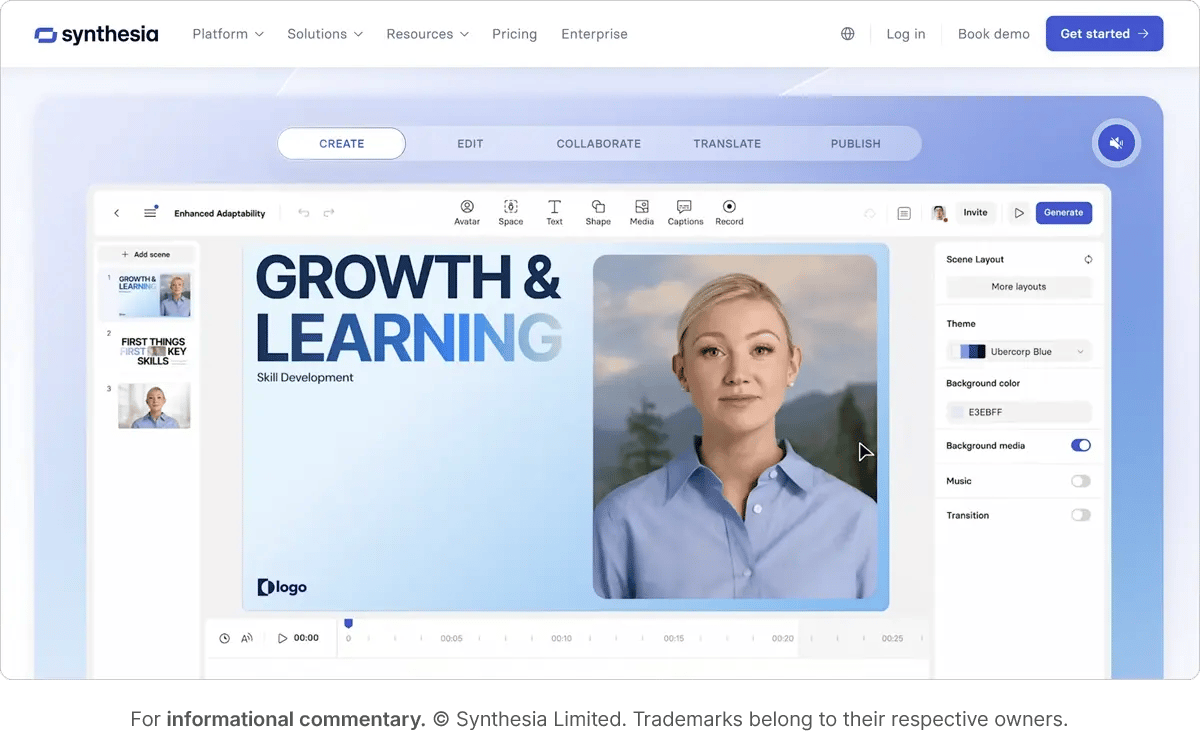
Synthesia generates video with AI avatars reading scripts. No cameras, no studios, no editing. Create training videos, product explanations, or internal communications in minutes.
Strengths:
- Eliminates production overhead entirely
- 140+ language support with accurate lip sync
- Template library for common use cases
- Fast turnaround from script to video
Limitations:
- Limited to talking-head format
- Less engaging than human presenters
- Expensive for high volumes
Pricing: Free plan available, but limited to 9 AI Avatars and 3 minutes of video/month. The Starter plan is $18/month and the Creator plan is $64/month. Enterprise pricing available.
Best for: Organizations producing high volumes of training, onboarding, or internal communications where production speed and cost matter more than presenter authenticity.
Design platforms
8. Canva AI
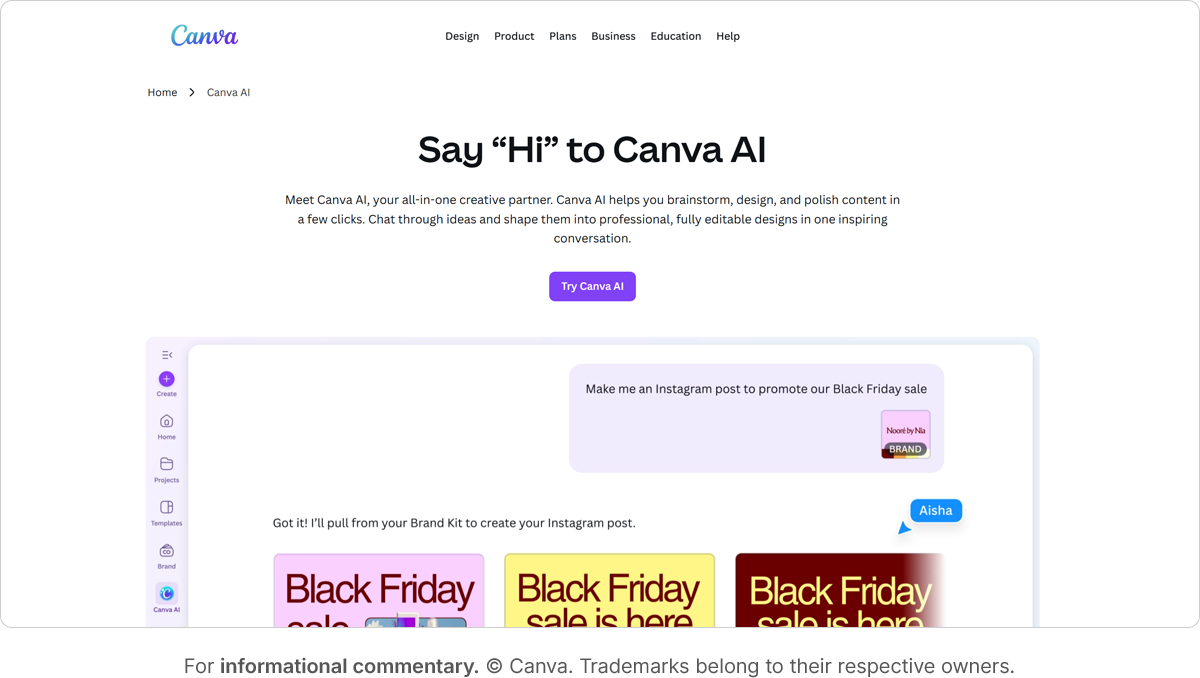
Canva's AI assistant democratizes design creation. Marketing coordinators produce social graphics, sales generates presentation slides, HR designs internal communications. All without designer involvement.
Strengths:
- Accessible to non-designers
- Extensive template library
- AI background removal and magic eraser
- Brand kit enforcement options
Limitations:
- Limited customization depth
- Can encourage off-brand work
- Professional designers may find it constraining
Pricing: Free tier available with limited AI features. The Pro plan is $15/month per person and the Teams plan comes in at $20/month per person. Enterprise pricing available.
Best for: Organizations wanting to empower non-designers to create on-brand content without constant creative team involvement.
9. Figma AI
Figma's AI features help designers work faster within their existing tool. Generate layout variations, create placeholder content, and get component suggestions while maintaining design system consistency.
Strengths:
- Integrates into existing Figma workflows
- Maintains design system standards
- Real-time collaboration features
Limitations:
- AI features still developing
- Less powerful than standalone tools
- Requires Figma expertise
- Limited to interface design use cases
Pricing: AI features included with Figma Professional ($16/editor/month), Organization ($55/editor/month), and Enterprise ($90/editor/month) plans.
Best for: Design teams already using Figma who want to accelerate specific tasks without disrupting established workflows.
Copywriting AI tools
10. Jasper
Jasper generates marketing copy trained on successful campaigns. Create product descriptions, email sequences, ad copy, and social posts with brand voice customization and team collaboration features.
Strengths:
- Marketing-focused training and templates
- Brand voice customization
- Chrome extension for writing anywhere
- Team collaboration features
Limitations:
- Output still requires significant editing
- Generic phrasing common
- Expensive for individual users
- Brand voice often misses nuance
Pricing: Pro plan at $59/month (one seat). Business plans have custom pricing.
Best for: Marketing teams producing high volumes of similar content (product descriptions, ad variations, email sequences) where speed matters and editing is expected.
11. Copy.ai
Copy.ai handles a wide range of marketing copy, from social posts and ad headlines to emails, product pages, and basic blog drafts. The interface prioritizes speed and variation generation over deep customization or collaboration tools.
Strengths:
- Fast iteration across short- and mid-length marketing content
- Lower price point than many competitors
- Simple, focused interface
- Great for brainstorming multiple angles quickly
Limitations:
- Longer content often needs significant editing
- Less sophisticated reasoning than ChatGPT
- Brand voice controls are limited
- Can default to repetitive or generic phrasing
Pricing: Chat plan at $24/month (5 seats) and the Agent plan starts at $211/month (10 seats). Enterprise plan available.
Best for: Small marketing teams or freelancers needing quick variations on headlines, social posts, and short-form ads.
ChatGPT
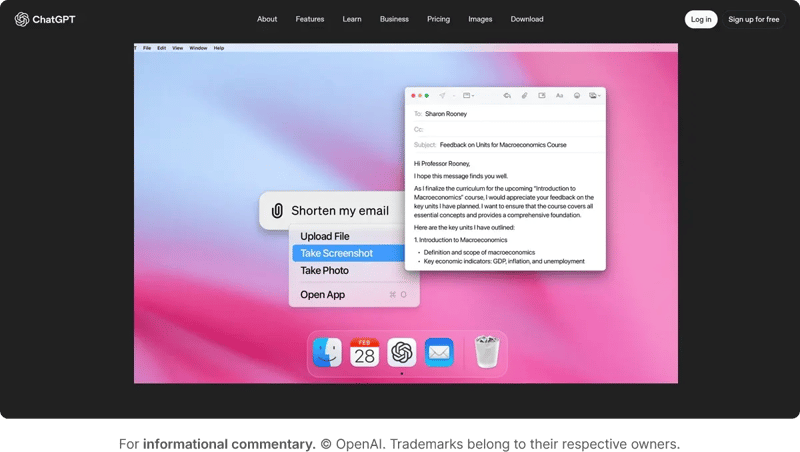
ChatGPT's flexibility makes it the default AI writing tool. Marketing uses it for everything from brainstorming to drafting to editing. No specialized training required, just conversational prompts.
Strengths:
- Handles any writing task
- Conversational interface lowers barriers
- Improving with each model iteration
- Wide adoption means easy knowledge sharing
Limitations:
- Generic corporate voice without heavy prompting
- No built-in brand voice training
- Requires skill to get quality output
- No content management features
Pricing: Free tier available. ChatGPT Plus at $20/month and Business (best for teams) at $25/month.
Best for: Organizations where multiple departments need flexible AI writing assistance without investing in specialized marketing tools.
Comparison table: AI creative tools
The workflow challenge AI creates
AI tools shift the bottleneck from creation to review. When your designer generates fifty logo concepts instead of three, your creative director needs a different evaluation process. The approach that worked for curating three options breaks down at fifty.
Creative directors trained to evaluate quality through deep analysis of a few options now face quantity problems. Comparing fifty AI-generated variations requires different decision frameworks than the traditional three-concept presentation. Your compliance team used to check twenty ads. Now marketing produces hundreds with DALL-E 3. Your video editor used to deliver five cuts. Now they create thirty variations with Runway.
Generation speed outpaced review capacity. The bottleneck shifted from creation to quality control.
Teams respond in predictable ways: limit AI generation to manageable volumes (losing the speed advantage), skip review steps (risking brand consistency), or add more reviewers (expensive and slow). None of these solutions scales sustainably.
What breaks first:
Feedback gets scattered. Stakeholders comment in Slack, email, Figma, Google Docs, and text messages. Nobody knows which feedback was addressed or which version got approved.
Version control collapses. Files accumulate with names like "logo_AI_v7_final_actualfinal_v2.png" and nobody knows which one the creative director signed off on.
Off-brand content slips through. The moment the workflow can’t keep up with AI volume, content starts moving around the system instead of through it.
Compliance problems hide. Legal can't review hundreds of AI-generated ads the way they reviewed twenty manual ones. Issues surface only after content is published.
Stakeholder overwhelm. Creative directors can't articulate why option 23 works better than option 19 when evaluating fifty variations. Decision quality decreases as options increase.
The gap between what AI can produce and what humans can properly evaluate is where chaos lives. Teams need review infrastructure that scales with AI output.
How Ziflow solves the AI review problem
Ziflow provides the review infrastructure AI-generated volume requires. Instead of drowning in fifty logo variations or losing track of which stakeholder approved what, teams get automated screening, structured workflows, and consolidated feedback that scales with AI output.
ReviewAI screens before humans review
Define your checklist standards first: brand colors, required elements, technical specs, and compliance needs. ReviewAI checks that legal disclaimers appear in required point sizes, required logo elements are present, or specific terms appear alongside product imagery. It flags technical violations (wrong color hex codes, missing required text, incorrect file specifications) but can't evaluate subjective design quality or strategic brand fit.
From confirming required disclosures to checking for missing terms or validating that certain descriptions appear alongside imagery, ReviewAI can handle the first pass in seconds. Every AI recommendation can be accepted, rejected, or edited by human reviewers, keeping oversight in your hands.
Multi-stage workflows route content automatically
Ziflow lets you set up multi‑stage workflows with automated routing: from creative review, to brand compliance, to legal, and final sign-off. Each stage has defined reviewers, and nothing advances without explicit approval from the previous stage.
Reviewers annotate directly on proofs, version history and approvals are tracked, and only approved versions move forward. Nobody publishes outdated files because approved versions are clearly marked.
Establish submission standards upfront: designers use ReviewAI to eliminate technical violations before creative review, then present the top three concepts after internal critique rather than dumping all fifty AI generations on stakeholders. This preserves the AI exploration advantage while keeping decision-making manageable.
Ziflow helps teams handle high volumes of creative output without bottlenecks, automating repetitive checks while leaving creative judgment and final approvals to humans. Nothing reaches publication without proper oversight, but review doesn't slow everything down.
Streamline your AI content approvals with Ziflow
AI creative tools accelerate production, but only teams with proper review infrastructure benefit without sacrificing quality. All eleven tools in this guide generate content faster than traditional methods, but Ziflow’s Review AI provides the review processes that make AI-generated volume manageable.
Unlike lightweight feedback tools, Ziflow handles complex creative projects from AI generation through final approval, making it the best choice for teams that need both speed and control.
Book a demo to see how Ziflow can help your team maintain quality at AI scale.
FAQ
Which AI creative tool should I start with if I've never used AI generation before?
Start with ChatGPT Plus ($20/month) for copywriting and DALL-E 3 for image generation. Both use conversational interfaces that require no specialized training, integrate with each other for iterative refinement, and handle the most common creative tasks marketing teams face. Once you're comfortable with prompt engineering basics and understand how AI generation fits your workflow, evaluate specialized tools like Midjourney for more artistic imagery or Jasper for high-volume marketing copy. The mistake most teams make is adopting multiple tools simultaneously before understanding how AI output integrates with their review processes.
Can I use multiple AI creative tools together in the same project?
Most professional workflows combine tools rather than relying on a single platform. Generate initial concepts in Midjourney for stylistic range, refine selected designs in Photoshop with Adobe Firefly for precise edits, export final assets for review in Ziflow. Similarly, copywriters draft in ChatGPT, then use Jasper's brand voice features for consistency across variations, then route through approval workflows. The challenge isn't technical compatibility (most tools export standard file formats) but workflow coordination. Without structured review processes, using multiple tools creates version control chaos as files move between platforms and stakeholders lose track of which variation was approved at which stage.
How do I maintain brand consistency when non-designers use tools like Canva AI?
Enforce strict brand kit controls within the platform and establish submission standards that require creative review before publication. Canva's Teams and Enterprise plans let you lock brand colors, fonts, logos, and templates so non-designers can't deviate from approved elements. More importantly, treat Canva output as draft material that must pass through your normal approval workflow rather than allowing direct publication. The review bottleneck this creates is exactly why teams need platforms like Ziflow that can handle increased volume without slowing everything down. Marketing coordinators gain speed and autonomy while creative directors maintain quality control through structured review stages rather than ad-hoc Slack approvals. p>
What's the difference between basic feedback tools and dedicated creative review platforms like Ziflow?
Basic feedback tools (commenting in Google Docs, Slack threads, email attachments) work fine for three logo concepts but break down at fifty AI-generated variations. The difference is workflow automation and approval tracking. Dedicated review platforms route content through defined stages (creative review, brand compliance, legal approval, final sign-off), consolidate feedback directly on assets instead of scattering it across communication channels, maintain version history so everyone knows which file the creative director approved, and prevent publication until all required stakeholders sign off. ReviewAI adds another layer by automating initial technical screening (checking color codes, required disclaimers, file specifications) before human review, which matters enormously when compliance needs to check hundreds of AI-generated ads instead of twenty manual ones.
How many AI-generated assets justify investing in a creative review platform?
The breaking point typically occurs when your team produces 50+ reviewed assets monthly and uses two or more AI generation tools. Below that threshold, manual processes and basic feedback tools remain manageable, though inefficient. Above it, feedback fragmentation and version control problems create enough workflow chaos that teams either throttle AI output back to pre-AI volumes (wasting the speed advantage) or skip review steps (risking brand damage). Calculate your current review overhead: if creative directors spend 10+ hours weekly tracking down which feedback was addressed or searching for approved versions, or if off-brand content has reached audiences because it bypassed review, you've already exceeded manual process capacity regardless of raw asset count.

With a track record that spans media giants like WarnerMedia, Viacom, and Google, Aaron's expertise shines through in multi-million dollar projects across various mediums, from traditional television to the dynamic realm of YouTube.